[01]Workshop
Supercharge '26: Develop the Future
Apple's premium event at Chitkara: Develop the Future, Create an App Prototype and Explore the incredible capabilities of Mac. The middle one was hands-on, with Mustafa Yusuf and Kamal Kumar Lakshmanan walking us through Swift prototyping, and by the end of it I had BODHI running in the simulator. 🍎
- When
- 22 April 2026
- Where
- Chitkara University, Punjab
- Hosted by
- Apple · Chitkara University

[01]The day, in three sessions 🍎
From the keynote stage to an iMac with Xcode open, in one day.
Develop the Future
Keynote sessionThe big screen and Apple's frameworks, laid out like an app grid: CloudKit, WidgetKit, MusicKit, HealthKit, ShazamKit, Core ML, MapKit and more.
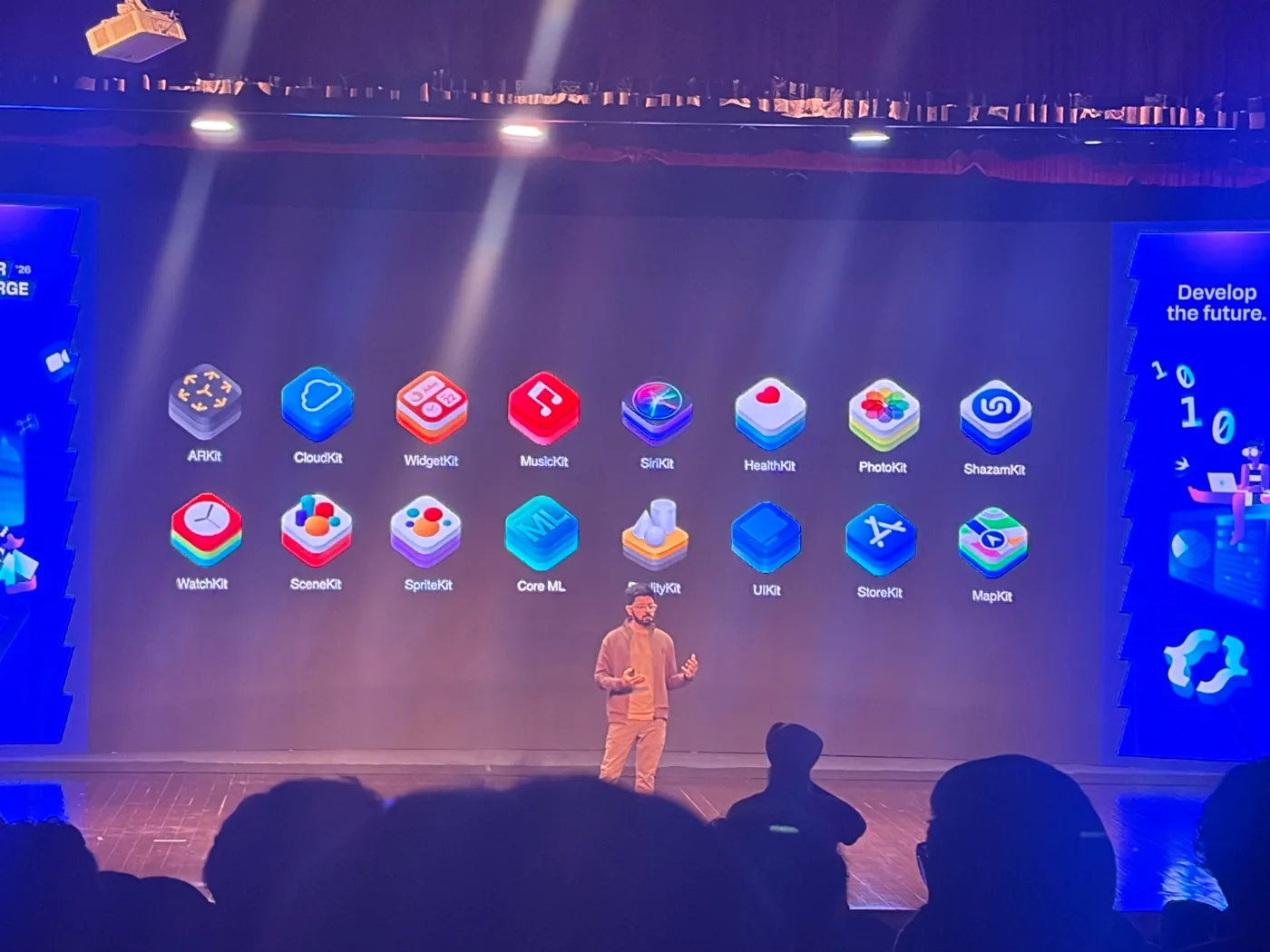
Develop the future. Create an App Prototype · the idea
KeynoteStart with the problem, not the code. What problem does your app solve? Who faces it? Why does it matter to you? My answer to the last one: "Money is a social construct."
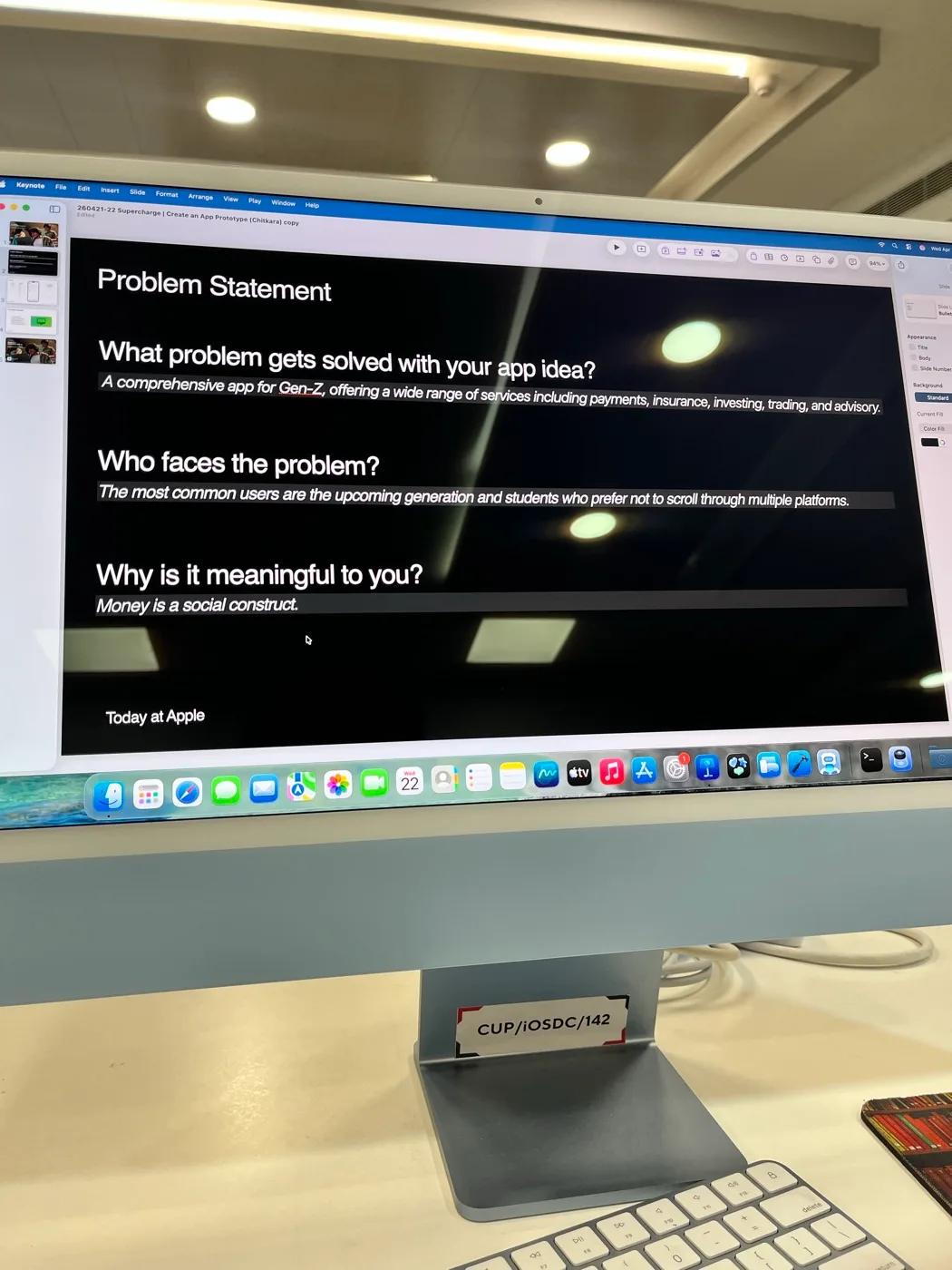
The problem statement Create an App Prototype · the build
Xcode · SwiftUIA Card model, a ContentView with a TabView, a NavigationStack and a ScrollView of cards, plus a search bar and a toolbar menu. Run it on the iPhone 17 Pro simulator, and BODHI is real.
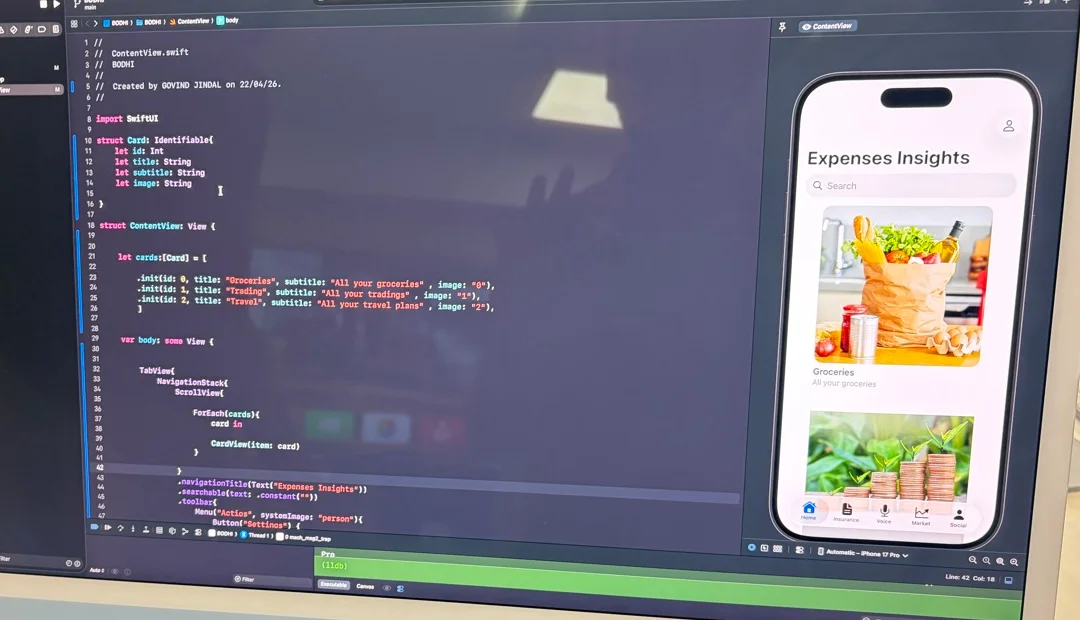
ContentView.swift, and the simulator beside it Explore the incredible capabilities of Mac
iMacA whole lab of iMacs, one per seat, and a look at what the Mac can do beyond the code editor.
[02]What I built
BODHI
A SwiftUI prototype for a Gen-Z app that puts payments, insurance, investing, trading and advisory in one place, for students who'd rather not scroll through multiple platforms. An "Expenses Insights" home with searchable cards for groceries, trading and travel, and tabs for Home, Insurance, Voice, Market and Social.
[03]What I learned
Problem first
An app prototype starts with three questions: what problem it solves, who faces it, and why it means something to you.
SwiftUI, piece by piece
An Identifiable model, a ForEach over cards, a NavigationStack inside a TabView: a working app comes together from a handful of views.
See it as you write it
Xcode runs the build on a simulated iPhone right next to the code, so each change is visible straight away.
The ecosystem is the toolkit
CloudKit, HealthKit, Core ML, MapKit and the rest: most of what an app needs already ships as a framework.
[04]Moments
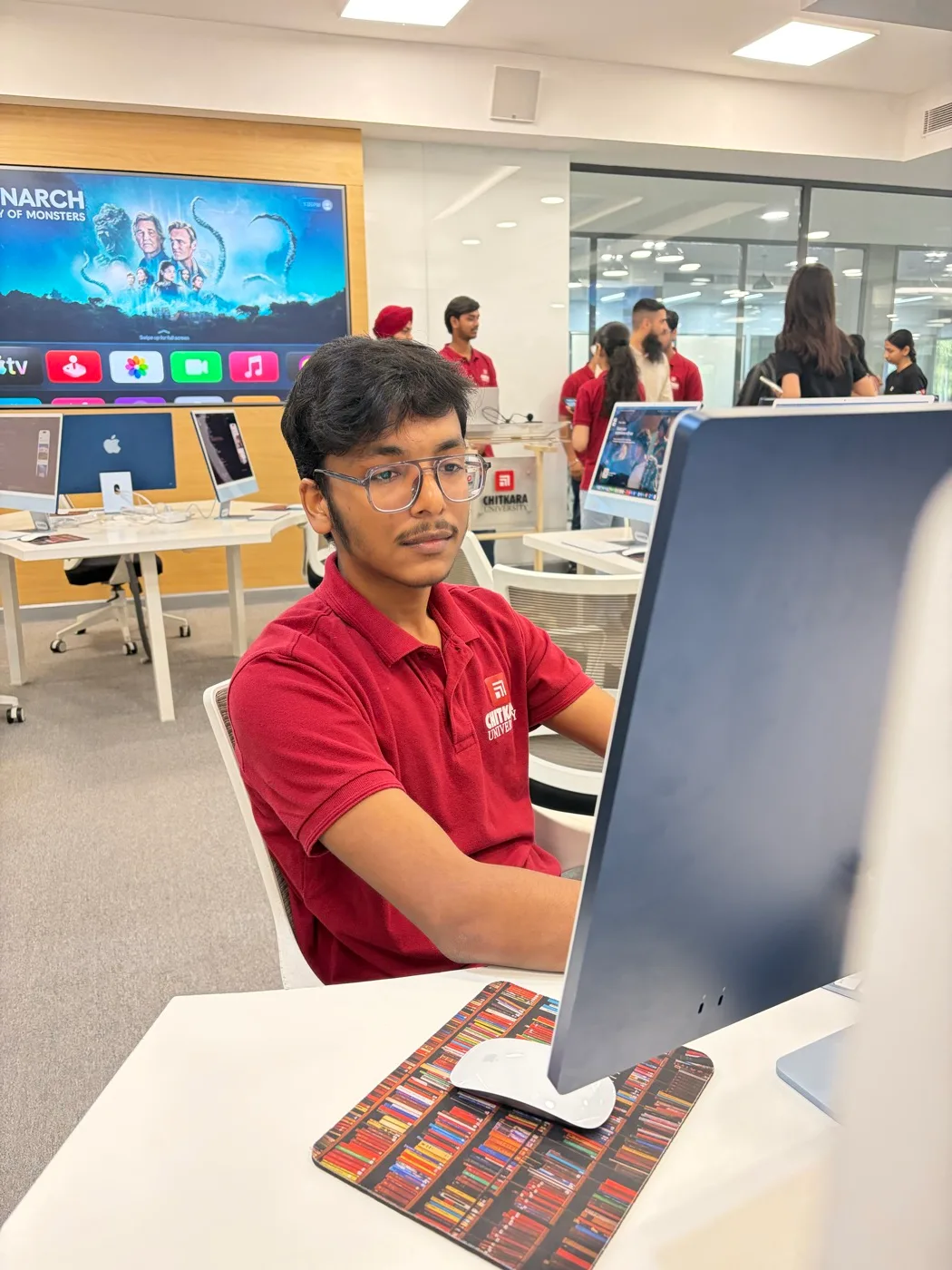
A lab full of iMacs
Rows of blue iMacs, a Magic Keyboard at every seat, and Apple TV on the big screen at the back.
Seat 142
[05]Credits
Directed by
Govind Jindal
Building and running the prototype
Xcode
The interface, in code
SwiftUI
iPhone 17 Pro, on screen
iOS Simulator
The problem statement
Keynote
In association with
Apple · Chitkara University
[06]Behind the scenes
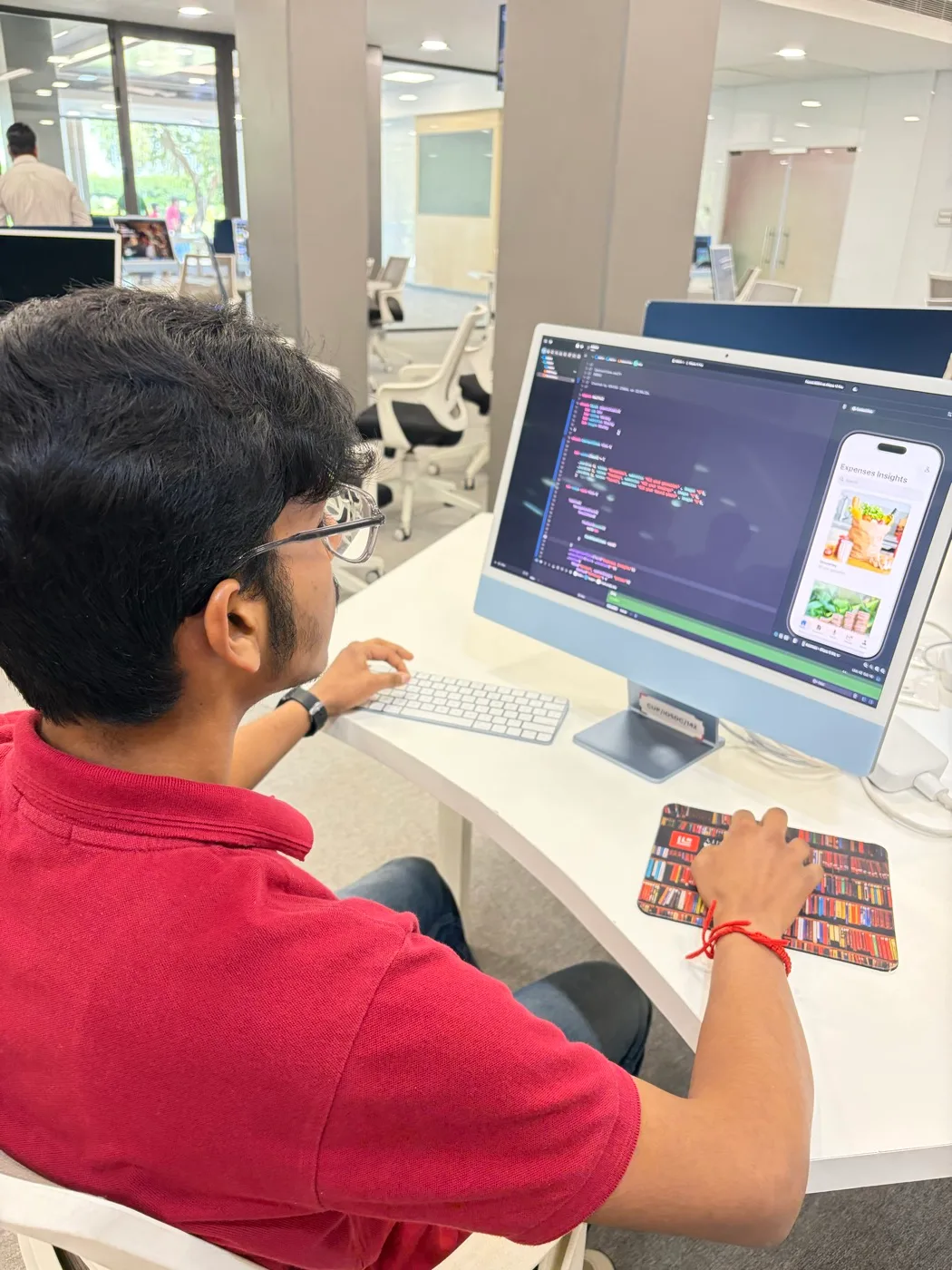
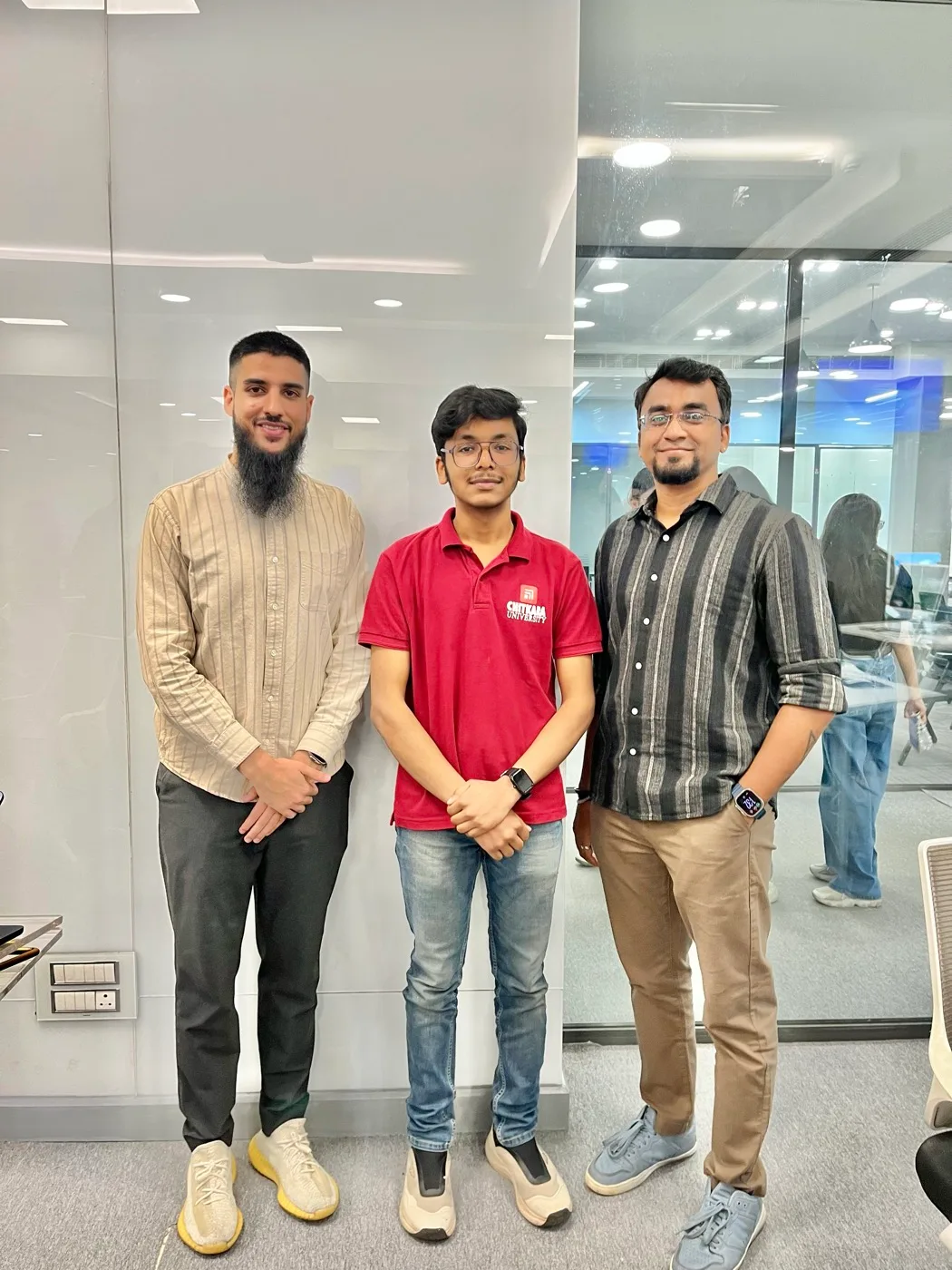
“The next big idea can begin anywhere. For me that day, it began with a problem statement, a TabView and an iPhone that only existed on screen.”
Next workshop
AI StoryLab: Where Design Thinking Drives the Plot